Counter speed
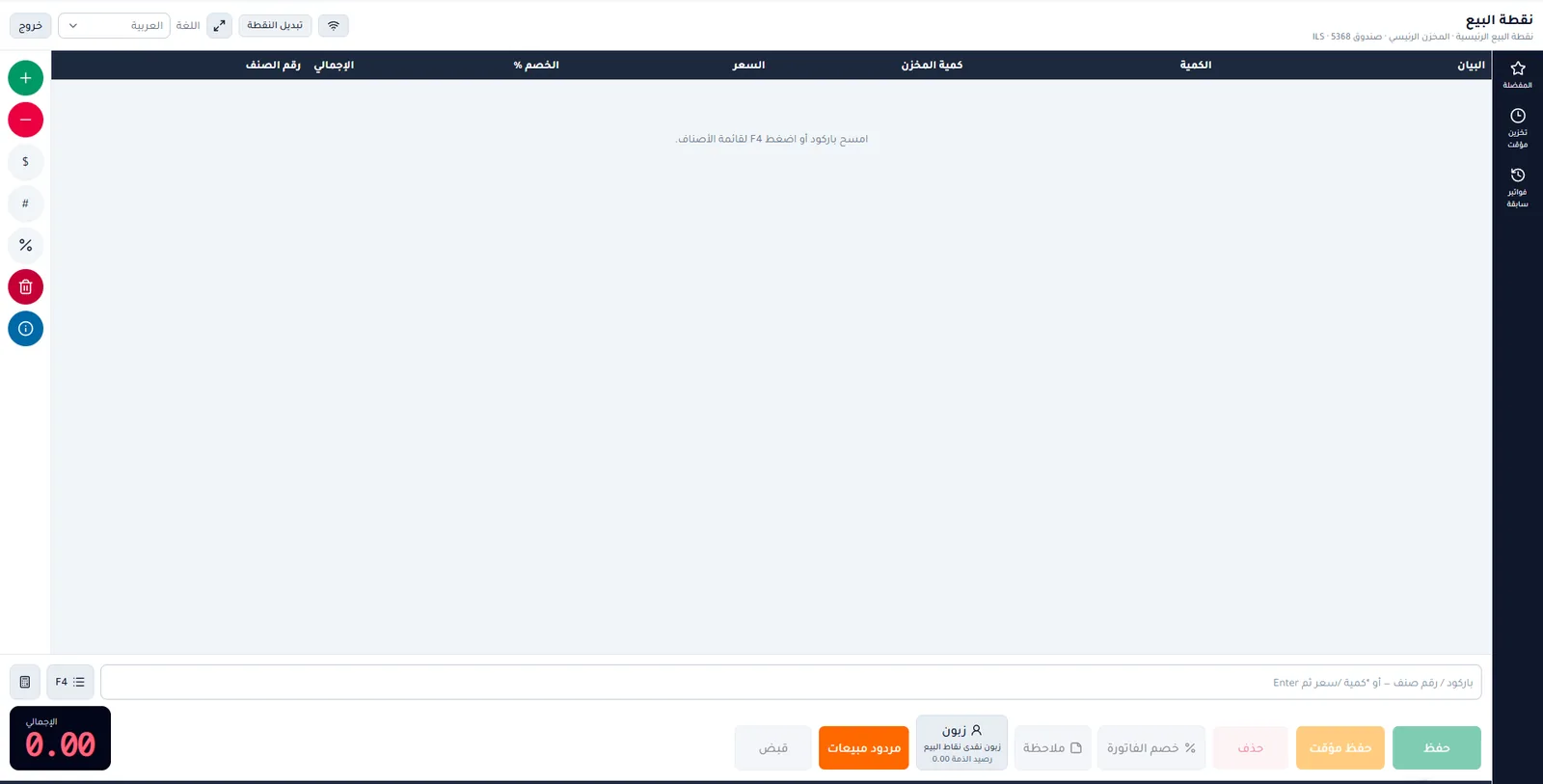
A lean selling screen for touch, keyboard and barcode with no screen hopping.
 ديوان
Point of Sale
Diwan POS is built for counter speed, and every sale deducts stock, moves the drawer and posts to accounting instantly. No end-of-day surprises, no phantom stock.
Outcomes
A POS detached from inventory means selling items you do not have, stale prices, and hours of closing reconciliation. Diwan connects the till to stock, prices and receivables in one system.
Workflow
The cashier opens a session with the right permissions and prices.
Features
A lean selling screen for touch, keyboard and barcode with no screen hopping.
Prices and discounts follow permissions, so cashiers change only what they may.
Every sale and return moves stock instantly in the POS warehouse.
Open/close sessions with reconciliation and recorded differences.
Sales returns put stock and journals back in the right place automatically.
Sales per point and cashier reach accounting and management with no assembly.
Inside the product
Who it fits
FAQ
Yes, picking items by search or barcode scan is core to the selling screen.
Stock is deducted the moment the sale posts from the POS warehouse, visible in stock reports immediately.
Yes, credit sales post to the customer balance and appear in their statement and accounting.
The cashier closes the session; the system compares recorded vs counted and shows any difference for review.
Book a short demo and we will map your current process onto Diwan without the chaos.
Request a demo